A passkey prompt offers an alternative to another password box. Instead of a secret you type into a website, signing in can rely on a cryptographic credential unlocked with your device.
That changes a familiar security weakness. It also changes the questions you should ask about access. An easy sign-in today is only half the story; recovery tomorrow matters just as much.
What changes at sign-in
The FIDO Alliance explains that passkeys use public-key cryptography and are designed to resist phishing. The service stores a public key; your authenticator uses the corresponding private credential to prove access. You commonly approve the step through a device unlock method such as a fingerprint, face check, or PIN.
The biometric check is not your fingerprint being sent to every website. A fake sign-in page cannot simply collect a reusable passkey as it can collect a typed password. That is a meaningful improvement, not a guarantee that every kind of fraud disappears.
Know where the credential lives
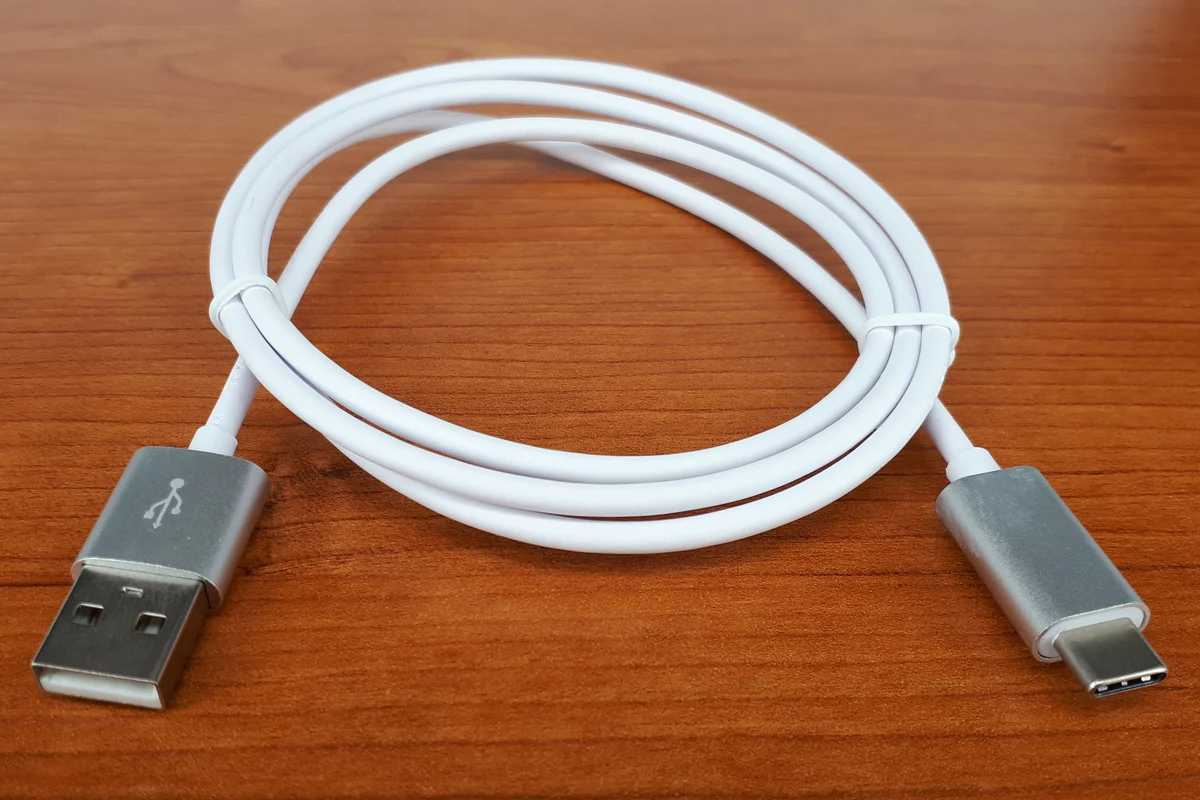
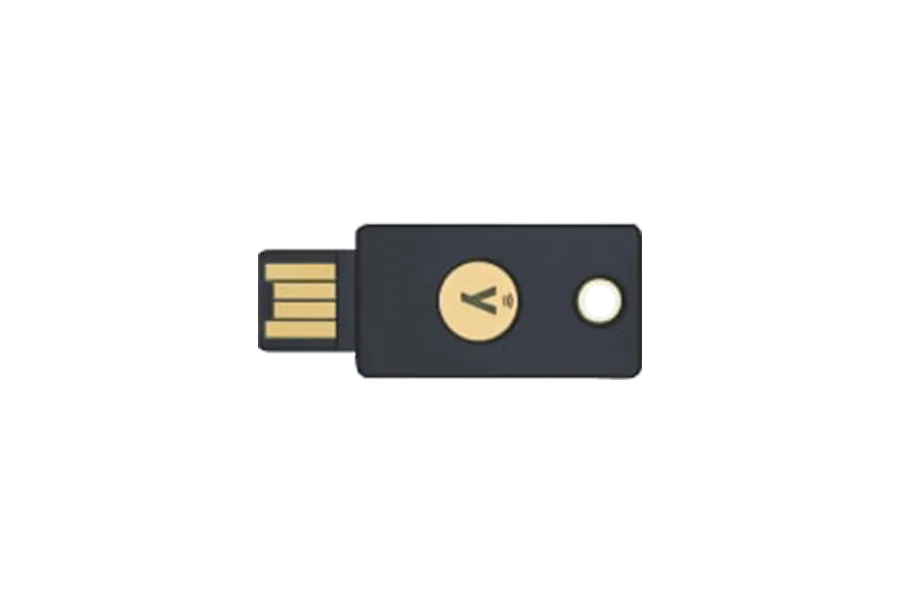
Some passkeys synchronize through a provider; others stay on a device or hardware security key. Know which arrangement you have. A hardware key is an option, not a mandatory purchase for everyone.
Apple's security documentation describes passkeys syncing through end-to-end encrypted iCloud Keychain. That is one implementation, not a description of every platform or password manager. Check the provider actually storing your credentials.
Our view: choose an arrangement you can explain and recover. An advanced security feature loses practical value if you do not understand the route back into the account.
Review recovery before converting
Inspect the account's recovery settings. Does a password fallback remain? Can you register another credential? Where are recovery codes kept? What happens if both your phone and laptop become unavailable?
Keep permitted recovery information somewhere appropriate for its sensitivity, separate from the single device you are protecting. Verify contact details. You are maintaining an alternative route, not simply making the everyday route faster.
Start with a contained trial
Create one credential through the account's official settings. Sign out, sign in again, and try from another device you use. Find out whether access depends on synchronization, a nearby device, or a physical key.
For Apple's implementation, the iCloud Keychain setup instructions explain synchronization on approved devices. Other providers have their own controls. Do not delete every existing sign-in method because the first attempt succeeded.
Keep the rest of your routine
Protect the unlock code and the account managing synchronized credentials. Keep software current. Pause at unexpected requests to approve sign-in or change recovery details.
Passkeys address credential phishing. They do not determine whether a seller is honest, a download is trustworthy, or a payment request is manipulative. A person can still authorize an unwanted transaction after signing in securely.
Measured adoption is the useful takeaway: fewer typed secrets, paired with deliberate recovery. This is an explainer of documented technology, not a new-launch announcement or a promise against account compromise.
Build a lost-device plan you can actually follow
Our recovery worksheet separates losing a device from losing the credential provider. FIDO distinguishes synced passkeys from device-bound credentials; the distinction changes which backup is useful. Fill in the last column for each important account. Record locations and method names, not passwords, PINs, or recovery codes in an ordinary note.
| What becomes unavailable | Route to verify beforehand | What to record |
|---|---|---|
| Phone lost; another approved device remains | Sign in using a credential available on that other device | Device, provider, and last successful check |
| Only device holding a device-bound credential is lost | Another separately registered credential or the service's recovery procedure | Backup location and the official recovery page |
| Every device using the synced provider is lost | The provider's recovery process, plus any independent account recovery route | Required factors and where you can obtain them |
| Phone still works; new computer has no credential | Supported cross-device sign-in, or setup of your provider on the new computer | Whether the phone remained necessary |
Apple documents recovery conditions for iCloud Keychain. Read those conditions before assuming that owning another Apple device automatically restores access. A different provider can require different evidence.
Rehearse without creating a lockout
Keep your working session and existing methods available. On a second device you control, open the service through its known address and start a separate sign-in. Choose the credential you intend to rely on, then record what actually approved it. Do not erase a device, disable synchronization, delete credentials, or trigger a full account recovery just to simulate loss.
If your phone scans a QR code and approves the computer's sign-in, record that as phone-dependent access. It has not demonstrated recovery after losing the phone. Google's instructions illustrate that cross-device flow and its alternative sign-in choices; account policies can impose additional conditions.
Next, locate the official recovery instructions and confirm your recovery contact details without changing them unnecessarily. If a separately registered backup credential exists, verify that route too. Stop if the service warns about a delay or unavailable recovery factor. Resolve that gap while your ordinary access still works.
After an actual theft, follow the provider's lost-device and credential-removal instructions from a device you control. A successful rehearsal establishes one working route on that date; it does not guarantee future recovery under every circumstance.